UI motion design explainer video — Clean interface style
Make a UI motion design explainer video: clean windows, buttons and a clicking cursor on a light background, synced to the voice. Built for AI and tech.
Termasuk dari Starter, dengan semua 26 gaya plus milikmu sendiri · pratinjau dibuat oleh mesin ClipOnIt
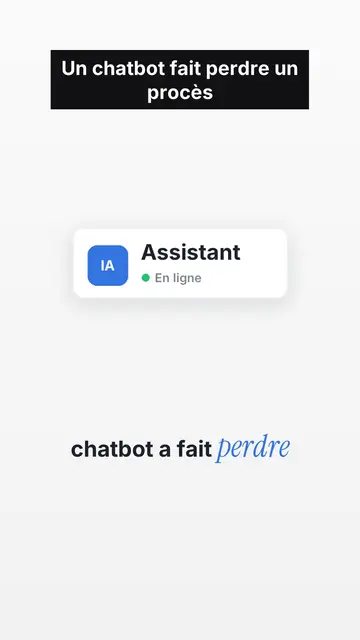
Tampilan gaya ini
Clean interface tells a story as if it were happening inside a computer. On off-white paper with a fine dot grid, operating-system style interface cards appear one by one: an email window with its recipient, an identity badge with its status dot, a big green button, a toggle switch, a dark monitor whose number drops, person icons that light up when their name is spoken. Each card enters exactly on the word that names it, with a small bounce.
A named cursor slides toward the button and clicks on the exact word, which builds suspense. Under the illustration, the caption turns from grey to black as the voice moves on, and the key word is set in blue italic serif. Tilted stamps (“DENIED”, “IGNORED”) hit the screen, keywords sometimes fill the whole frame, and a pause on a charcoal background marks the twist before the end card, which gets clicked too.
Cocok untuk topik apa
Avoid: very visual topics carried by landscapes, crowds or action scenes: the style shows screens, buttons and icons, not settings. Also avoid long lists of numbers without a story; a card should always say what is happening.
- AI and techA chatbot, a server or an app becomes a badge with its status: the story reads in its native language, the interface.
- True digital storiesFamous bugs, leaks, scams: emails, clicks and counters show what happened, step by step.
- Product demos and adsThe clicking cursor and the end card with its button make a clean demo, without a screen recording.
- Faceless channelsLight background, crisp type and recognisable cards give a series an identity without a face on screen.
Ide video dengan gaya ini
- The chatbot that lost a lawsuit
The chat window, the reply turning black word by word, the DENIED stamp, then the verdict on black.
- $440M lost in 45 minutes
Eight servers in a grid, a switch that turns itself back on, a counter that runs wild.
- How a fake bank advisor scam works
The text message, the link, the “Confirm” button the cursor avoids, and the habit to keep.
- Your app explained in 40 seconds
The problem as a red badge, your feature as a window, the click that fixes it and the end card.
Dapatkan dalam 1 klik
- Buka tautan gaya ini
Tombol “Buat video dengan gaya ini” membuka editor dengan gaya ini sudah dipilih. Tanpa akun, mendaftar hanya butuh satu menit dan tidak perlu kartu.
- Tulis topikmu dalam satu kalimat
Satu ide sudah cukup. Kamu juga bisa menempel teks atau, mulai dari Starter, berbicara lewat mikrofon: video kemudian dibuat berdasarkan suaramu.
- Tinjau, lalu render
AI menulis adegan, memilih elemen gaya dan mengatur waktunya sesuai kata-kata, lengkap dengan suara dan keterangan. Kamu perbaiki yang kurang pas, lalu MP4 vertikal siap dalam beberapa menit.
Yang bisa kamu sesuaikan
For each scene you pick one to three cards out of fifteen (window, badge, button, toggle, monitor, list, grid, gauge, number, calendar, clock, arrow, people, quote or a library element), the word where each one appears and the one where the cursor clicks. You add a stamp, an alert pill or a “danger” background, and change the accent colour to match your brand. Your own voice works too: everything locks onto the spoken words.
Digambar dalam gaya ini
9 517 elemen di pustakanya, bisa dicari berdasarkan makna. Beberapa di antaranya:
 Karakter
 Perangkat
 Dokumen & tempat
 Data
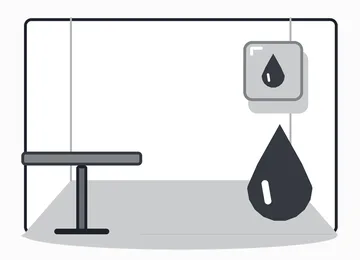 Latar
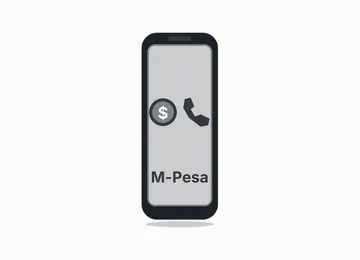 Antarmuka
 Sains
 Tindakan
Pertanyaan yang sering diajukan
Gratis atau tidak, hasilnya, penggunaannya: jawaban singkatnya.
What is UI motion design?
An animation that tells a story with interface elements: windows, buttons, cursors, notifications. Here the engine draws them and animates them to the voice, without screen recordings.
Bisakah saya memakai suara saya sendiri?
Yes. Record yourself or import your audio: every card, every click and every caption word locks onto what you say.
Is there a version with my face?
The style is faceless. For a talking-head video in the same format (illustrations on top, you below), contact us: it is an editing recipe from our studio.
Apakah gaya ini termasuk paket gratis?
Tidak, ini termasuk di Starter ($29/bulan): 15 video bebas watermark sebulan, semua 26 gaya plus milikmu sendiri. Paket gratis memberi 3 video sebulan dengan watermark dalam 8 gaya lain: Pixel News, Press paper, Comedy cartoon, Class sketch, Night tale, Social screen, Retro synthwave dan Flat vector.
Jika kamu suka gaya ini
- Gratis
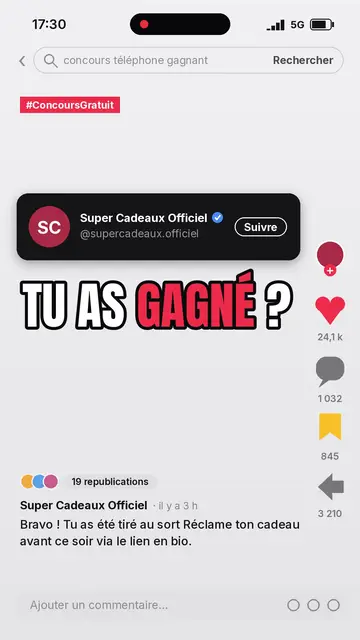
Video penjelas media sosial
Gaya layar sosial · Umpan sosial yang direkonstruksi: profil, penghitung, komentar.
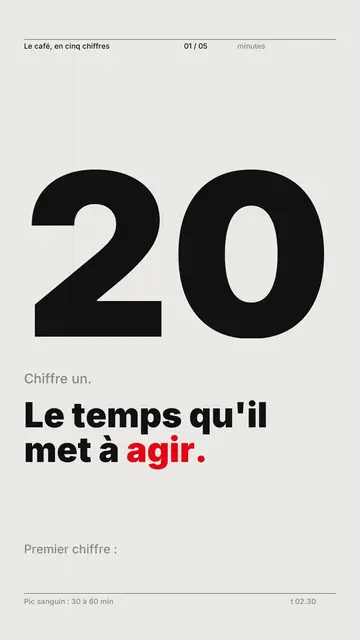
Pembuat video typography kinetik
Gaya grid Swiss · Tipografi Swiss: kertas terang, grid ketat, angka besar, satu warna sinyal.
Tech top list video maker
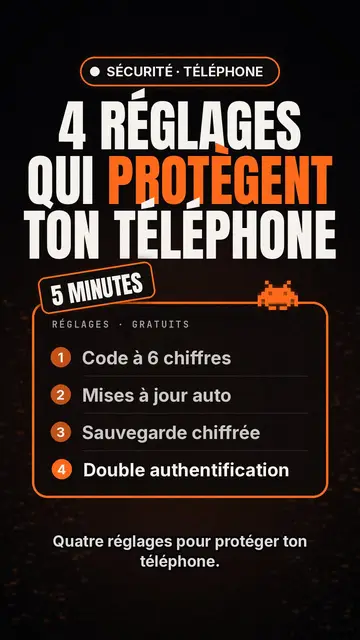
Gaya daftar Tech · Kartu Tech di latar hitam, lencana bercahaya, daftar bernomor.
Ide kamu, dalam gaya ini
Tulis kalimat atau ucapkan: gaya sudah dipilih saat kamu masuk ke editor.