Video animasi vektor datar — gaya vektor datar
Buat video animasi vektor datar: karakter sederhana di atas biru tengah malam, teks besar, dan penanda waktu. Gaya gratis untuk tutorial dan tips kesehatan.
In the free plan: 3 videos a month with a watermark · preview rendered by the ClipOnIt engine
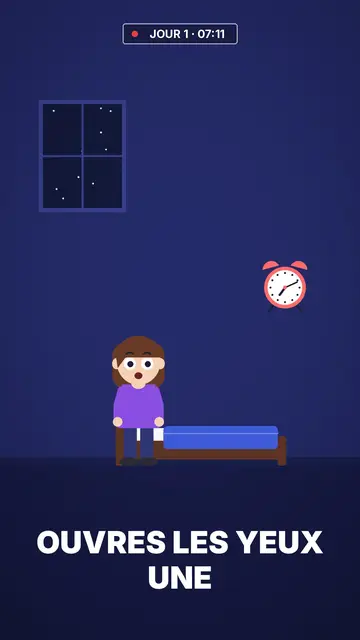
Tampilan gaya ini
Flat vector draws in solid colour with no outlines at all: a simple character with big round white eyes, in an uncluttered room or outdoors at night. The midnight blue background holds for the whole video, which makes the character and the few objects around it stand out. Shapes are smooth and rounded, like the illustrations you see on app websites and in public health campaigns.
Captions are big, white and in capitals at the bottom of the screen; the next word shows ghosted and the keyword turns yellow. At the top, a timestamp like “DAY 1 · 07:12” with a blinking red dot gives viewers a thread to follow, ideal for a routine or a multi-day challenge. Titles are set in underlined white and yellow capitals, and scenes cross-fade into each other.
Cocok untuk topik apa
Avoid: topics that need many different objects or specific places (history, geography, mechanics): the style's library is short and centres on one character in a few sets. For those topics, pick Pixel News or a 3D style, whose libraries are much larger.
- Step-by-step tutorialsOne character, one action per scene, one big caption: every step reads without effort.
- Health and sleepThe midnight blue bedroom and the timestamp show a routine hour by hour, without medical imagery.
- Wellbeing and habitsThe day counter follows a thirty-day challenge or a habit being built.
- Seasonal topicsA pumpkin, a ghost and a moon exist in the night set, for a Halloween or winter video.
Ide video dengan gaya ini
- What happens if you sleep six hours
The timestamp runs from 23:00 to 07:00 while the character tosses in bed, then the alarm.
- Drinking water for seven days
“DAY 1” to “DAY 7”: one scene per day and what the body notices.
- Setting up an app in three taps
The character holds a phone, each tap gets its caption and its yellow word.
- Why we fear the dark
Outdoors at night, a moon, a ghost that turns out to be nothing: a short explainer for Halloween.
Dapatkan dalam 1 klik
- Buka tautan gaya ini
Tombol “Buat video dengan gaya ini” membuka editor dengan gaya ini sudah dipilih. Tanpa akun, mendaftar hanya butuh satu menit dan tidak perlu kartu.
- Tulis topikmu dalam satu kalimat
Satu ide sudah cukup. Kamu juga bisa menempel teks atau, mulai dari Starter, berbicara lewat mikrofon: video kemudian dibuat berdasarkan suaramu.
- Tinjau, lalu render
AI menulis adegan, memilih elemen gaya dan mengatur waktunya sesuai kata-kata, lengkap dengan suara dan keterangan. Kamu perbaiki yang kurang pas, lalu MP4 vertikal siap dalam beberapa menit.
Yang bisa kamu sesuaikan
You change the timestamp text (day, time), the titles and their yellow words, each caption's keyword, the narration and each scene's length. You pick the set, room or night outdoors, move the character and objects, change the camera move, or ask for three variants of a scene. From Starter, your own voice and the AI Director, who takes tweaks when you speak to it.
Drawn in this style
29 elements in its library, searchable by meaning. A few of them:
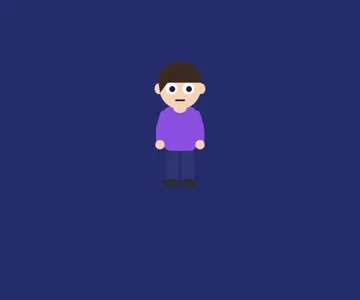 Karakter
 Perangkat
 Data
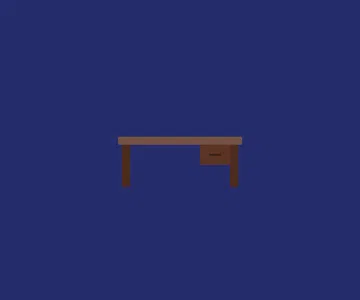 Latar
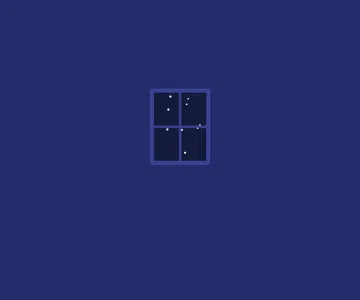 Antarmuka
 Objek
 Makanan
 Flore
Frequently asked questions
Gratis atau tidak, hasilnya, penggunaannya: jawaban singkatnya.
What is a flat vector animation?
A video illustrated in solid colours, with no outlines or realistic shading, using simple rounded shapes. It is the look of app illustrations: clean, readable and easy to follow on a small screen.
Does it suit a product explainer video?
For showing a simple use (one person, a phone, a routine), yes. If your product has many screens or objects to show, a style with a bigger library will work better.
What is the timestamp at the top for?
It gives a marker in time: a day, an hour, a step. It works well for routines, multi-day challenges and hour-by-hour stories; you can also leave it empty.
Apakah gaya ini termasuk paket gratis?
Yes. It is one of the 8 styles in the free plan: 3 videos a month with the ClipOnIt watermark, no credit card. Starter ($29/month) removes the watermark, gives 15 videos a month and opens all 24 styles, plus your own.
Jika kamu suka gaya ini
- Gratis
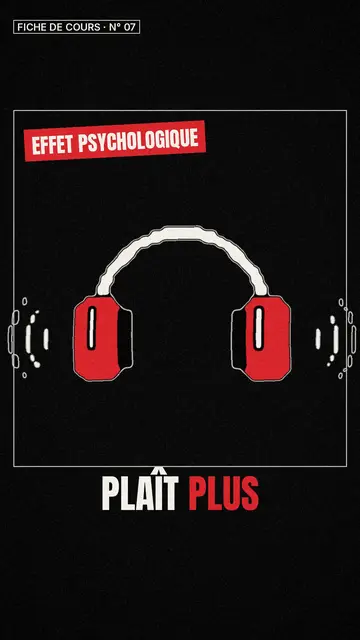
Whiteboard sketch video maker
Class sketch style · Lively black-and-white sketches with red accents.
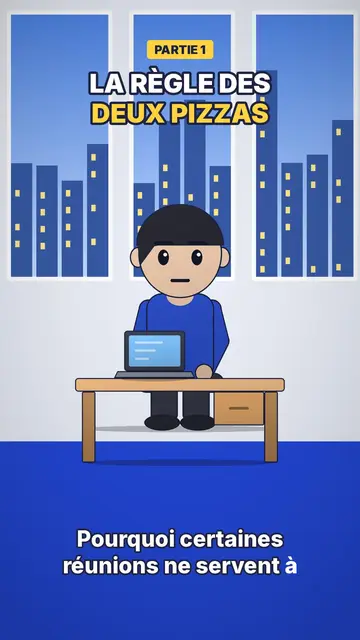
Office cartoon animation video
Office toon style · Big-headed toon characters at the office or in the kitchen.
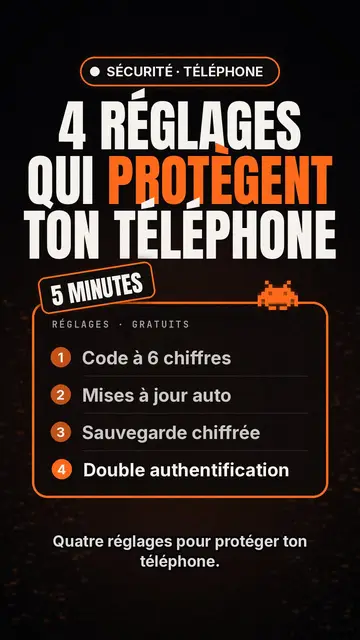
Tech top list video maker
Tech list style · Tech card on black, glowing badge, numbered list.
Ide kamu, dalam gaya ini
Tulis kalimat atau ucapkan: gaya sudah dipilih saat kamu masuk ke editor.